Floating Point Theory
Earlier, we learned that decimal numbers cannot simply be stored the same way as integers. Computers instead use a system called floating point representation to store decimal values.
Floating point numbers work similarly to scientific notation. In science class, you may have seen a number written like:
This breaks the number into three parts:
- the sign (
+or-) - the significant digits (
6.02) - the exponent (
23)
Computers use a very similar idea internally, except they use powers of 2 instead of powers of 10.
A floating point number is typically divided into three sections of bits:
- the sign bit
- the exponent
- the mantissa (also called the significand)
For example, a simplified floating point layout might look like:
[ sign ][ exponent ][ mantissa ]
The sign bit determines whether the number is positive or negative. The exponent determines where the binary decimal point "floats," which is where the name floating point comes from. The mantissa stores the actual digits of the number.
Example
Suppose we wanted to store the decimal number:
5.75
First, the computer converts it into binary:
101.11
Then it rewrites the number into binary scientific notation:
The computer can now store:
- the sign (
positive) - the exponent (
2) - the mantissa (
0111)
inside a floating point data type.
IEEE 754
Most modern computers follow a standard called IEEE 754 for storing floating point numbers. This standard defines exactly how the bits should be arranged.
In Java:
- A
floatuses 32 bits - A
doubleuses 64 bits
A 32-bit float is divided like this:
1 bit   → sign
8 bits  → exponent
23 bits → mantissa
A 64-bit double uses:
1 bit   → sign
11 bits → exponent
52 bits → mantissa
Since a double has more bits available for the mantissa, it can store numbers much more precisely than a float.
Why Floating Point Errors Happen
One important thing to understand is that many decimal numbers cannot be represented perfectly in binary.
For example:
0.1
seems simple to humans, but in binary it becomes an infinitely repeating value:
0.00011001100110011...
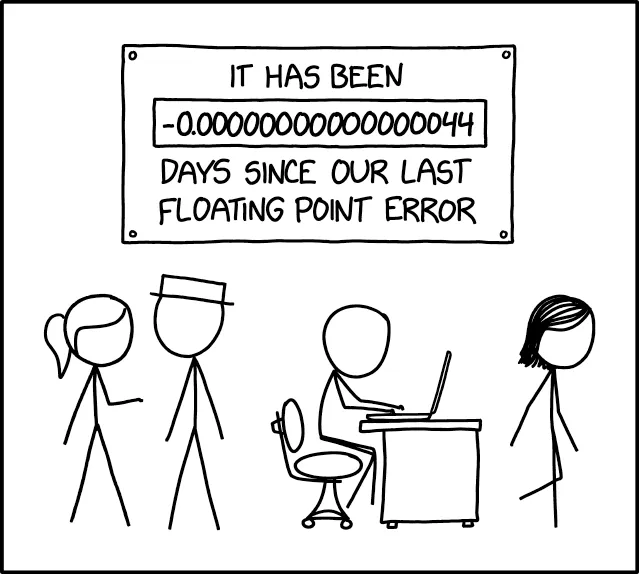
Since computers only have a limited number of bits available, they must cut the number off after a certain point. This introduces tiny rounding errors.
That is why calculations like:
System.out.println(0.1 + 0.2);
may output:
0.30000000000000004
instead of exactly 0.3.
Precision vs Range
Floating point numbers are designed to balance:
- range — how large or small a number can be
- precision — how accurate the stored value is
By using exponents, floating point numbers can represent extremely large and extremely small values. However, this comes at the cost of perfect precision.
This tradeoff is acceptable for many applications such as:
- graphics
- physics simulations
- scientific calculations
- robotics